Car buying
The Used-Car Buyers Guide: Read This Before You Sign
Understand the Buyers Guide on a used vehicle, ask about written warranty terms, and make sure the documents answer your questions before signing.
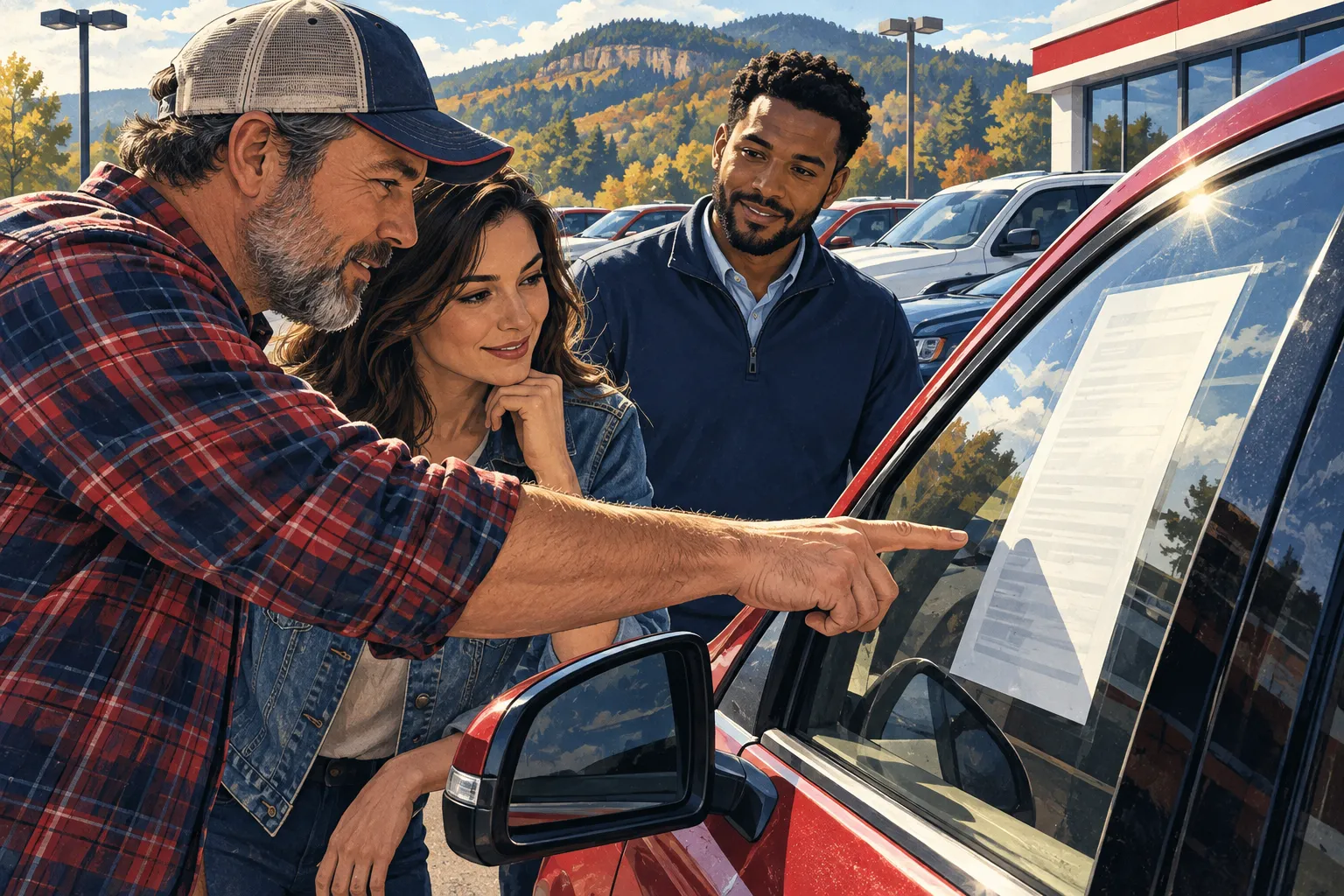
The paperwork displayed on a used car's window can be easy to overlook while you are checking the seats, paint, and price. The Buyers Guide deserves a closer look. It helps explain an important part of the purchase: what warranty coverage, if any, is being offered with that vehicle.
Read the guide for the specific car you are considering. Do not assume another vehicle on the same lot has the same terms.
Identify the coverage being described
The FTC's Used Car Rule requires most used-car dealers to display a Buyers Guide. The guide indicates whether the vehicle is offered “as is” or with a warranty and, when applicable, describes the dealer's share of covered repair costs. The FTC also advises buyers to keep the guide after the sale. Read the FTC's explanation.
That is the starting point for a conversation about the documents. Ask the dealership to show you the coverage that applies and explain any terms you do not understand.
“As is,” a remaining manufacturer warranty, a dealer warranty, and a separately purchased service contract are not interchangeable phrases. The documents for each arrangement matter, and state law may affect the situation. Avoid assuming that a familiar-sounding label answers every question.
Ask how a repair would actually work
If coverage is offered, imagine a practical situation after purchase: a warning light appears, the vehicle needs diagnosis, and you need to know whom to call.
Before signing, ask:
- Which systems and problems are covered?
- What time or mileage limits apply?
- Is there a deductible or a share of the cost I would pay?
- Must a repair be authorized before work begins?
- Where can the vehicle be serviced?
- Are diagnostic charges, towing, or transportation expenses addressed?
- What maintenance records must I keep?
These questions help you evaluate how useful the coverage may be for your circumstances. A brochure's reassuring headline cannot tell you whether a particular problem is included.
Separate promises from assumptions
If someone says an item will be repaired, a part will be supplied, or a follow-up service is included, ask where that agreement is documented. Compare the written terms with the explanation you received.
Be specific in your own questions, too. “Will you take care of me?” leaves room for different interpretations. “Will this identified item be repaired before delivery, and where is that written?” gives the conversation a clear subject.
Read any additional product agreement before choosing it. Ask whether it is optional, what it costs, how it affects the purchase figures, and what cancellation terms apply. Take the time to understand what you are agreeing to buy.
Coverage does not replace an inspection
An independent inspection answers questions about the vehicle's present condition. A warranty or service contract addresses certain obligations if a covered event occurs. One does not perform the other's job.
You may learn during an inspection that a service is due soon or an item needs attention. Discuss those findings before purchase, even if some coverage is available. Knowing what to expect is useful whether or not a future repair might qualify under a separate agreement.
Keep a purchase folder
Save the Buyers Guide, final purchase documents, financing agreement if applicable, coverage documents, and any written repair promises together. Add the dealership's contact information and your delivery-date notes.
This folder is not just paperwork for a drawer. It is your reference when a question comes up later.
For an Auto Credit vehicle you are considering, ask to review its Buyers Guide and any applicable coverage documents. Call (870) 508-6080 or visit the lot in Mountain Home. No general blog article can establish the warranty terms of an individual vehicle; the actual documents provide those answers.
JOIN THE CONVERSATION
What did you think?
One reaction per browser. Select your reaction again to remove it.
Loading the conversation…
Comments